
Site survey
We check the sky view, the mounting point and the cable route, from your photos or on site. We confirm the kit model, the mount (roof, mast or wall) and how it connects to the gateway.

Business infrastructure · Starlink
For businesses that need a backup line, for sites without fibre, and for homes outside the city.
What's included
We check the sky view, the mounting point and the cable route, from your photos or on site. We confirm the kit model, the mount (roof, mast or wall) and how it connects to the gateway.
Our own engineers mount the dish on a roof, a mast or a wall. They run the cable into the building and place the router.
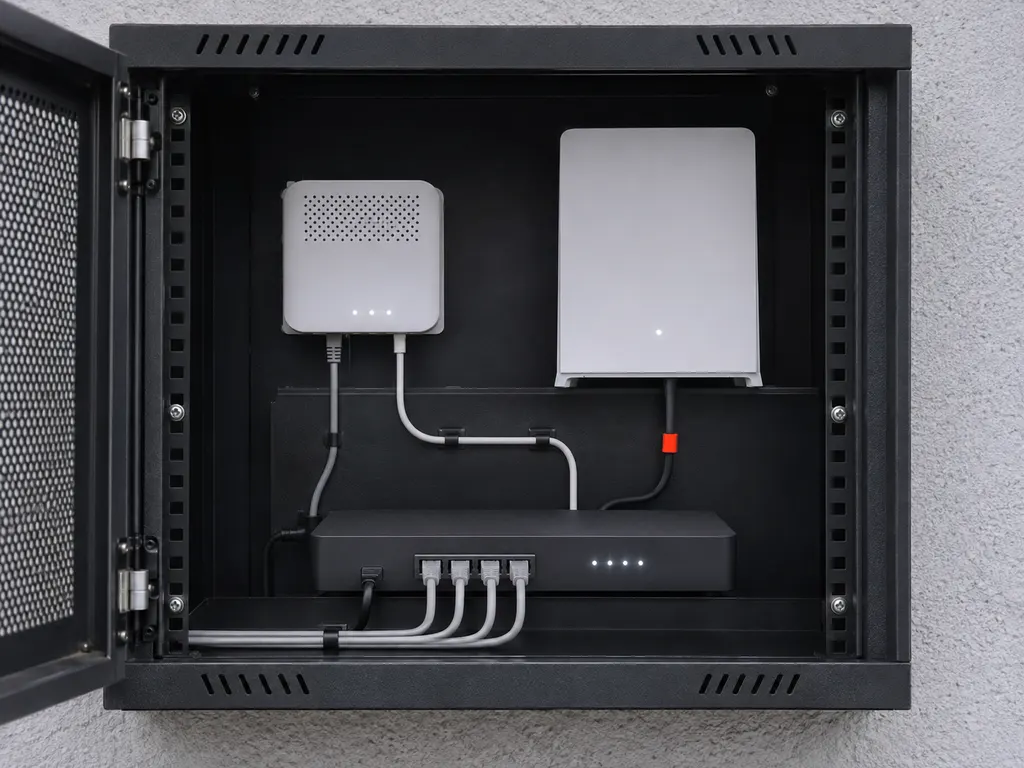
We connect Starlink to your network, as your main line or as backup, with automatic failover on a UniFi gateway.
We set up UniFi Site Manager. You see both lines in one dashboard. We support the site Monday to Friday, in business hours.
Backup
How it works
You order it from Starlink. Or we help you choose the kit and the plan, and you order it in your name.
Tell us the address and what the line is for. Photos of the roof and the router spot help.
From your photos or on site. We confirm the kit, the cable route and your Starlink plan's IP type.
Our engineers install, connect, test the failover and document the setup.
You get access to Site Manager and the documentation. Your support plan starts.
Who it is for
Your fibre stays the main line. Starlink is a second path that runs over a satellite link, separate from local fibre and copper lines. For offices, shops, clinics and production.
Farms, wineries, warehouses, guest houses and construction sites. We mount on a roof, a mast or a wall and connect the site network.
Villages and mountain homes where cable does not reach. You own the kit and the account. We do the survey, the mount and the indoor connection.
Each site can have its own main line and Starlink backup, in one dashboard.
Coverage
The quote covers the travel. That includes Sofia, Plovdiv, Pazardzhik, Stara Zagora, Haskovo, Smolyan, Kardzhali, and the rest of Bulgaria.
Support
One plan for Starlink sites. Monday to Friday, business hours.
Quoted per site
The monthly price is stated on the quote. This is not a 24/7 plan. Outside business hours the failover runs on its own. We pick up the next business day.
Request a quoteStarlink outages, your Starlink account, plan and billing. These stay with Starlink.
Hardware
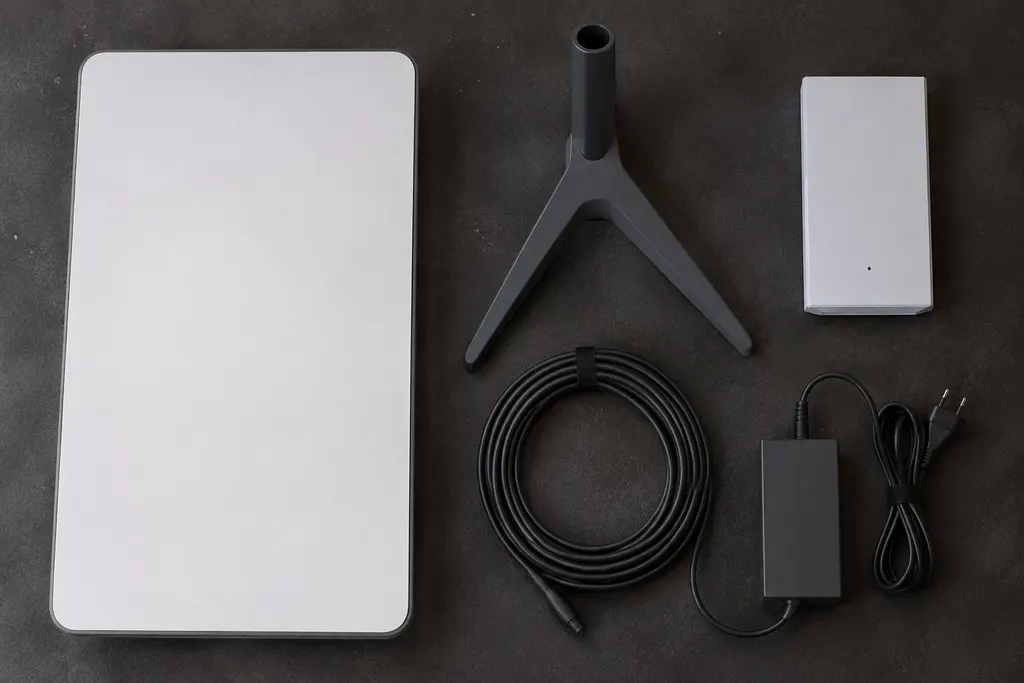
You order the Starlink kit and the Starlink service plan from Starlink, in your name. UniFi gateways, switches, access points and cabling are available in our shop.
Starlink service and hardware are billed at Starlink's official current prices.
You pay Starlink for the service plan, including when it sits on standby as a backup. You pay LabForty for the survey, the installation and, if you want it, the support plan.
We can add a UPS so the dish and router keep running through a power cut.
We also design and cable business networks. See network infrastructure.
Common questions
No. You order the kit from Starlink. We install it and connect it to your network.
No. LabForty is an independent installer. Your Starlink account, plan and billing stay with Starlink.
LabForty's own engineers. We do not use subcontractors.
Installation and a site visit are quoted per site. Starlink service and hardware are billed at Starlink's official current prices.
Monday to Friday, in business hours. We reply within one business day. This is not a 24/7 plan. Outside those hours the failover runs on its own. We pick up the next business day.
You can. We do not sell the kit. We survey the site, mount the dish on a roof, a mast or a wall, run the cable, connect it to your network and set up failover. The quote is for that work.
It depends on the building and the mount. We check access and any approval the building needs at the survey. The quote states what is included.
Weather can affect the dish. We choose a mount and a position that keeps the sky view clear. Service outages stay with Starlink. If you have a main line, it keeps running.
The account stays in your name. Traffic does not route through LabForty. If you need inbound access for cameras or a VPN, we check your plan's IP type at the survey.
Automatic failover and monitoring are set up on a UniFi gateway. If you do not have one, we can supply it from our shop.
Yes. We set up automatic failover on a UniFi gateway. Starlink takes over when your main line goes down.
Yes. Your Starlink plan stays active and Starlink bills it.
It depends on your Starlink plan. We check it at the survey. We also install video surveillance.
Starlink handles its own outages. Your main line keeps running.
We work with roof, mast or pole, and wall mounts. We check the sky view, the mount and the cable route at the survey and confirm the mount in the quote.
Anywhere in Bulgaria. The quote covers the travel.
Quote
Email or call us with the city or site address, the type of site and how you want the dish mounted. We reply within one business day.
Starlink is a trademark of Space Exploration Technologies Corp. LabForty is an independent installer and is not affiliated with, sponsored by or endorsed by SpaceX.