In this article, we will explore the most frequently asked questions from business owners in Bulgaria regarding the selection of wireless security cameras for office environments:
- which models are best suited for office settings;
- how many cameras are needed to ensure effective coverage;
- whether wireless systems are reliable enough for professional use;
- what the approximate cost is for a complete installation and configuration.
Choosing the right video surveillance system ensures a higher level of security, reliable monitoring, and long-term peace of mind for your business.
Why Does an Office Have Specific Security System Requirements?
Choosing a video surveillance system for an office environment is often underestimated. In practice, however, many standard solutions fail to provide the required recording quality, stability, or reliability in real-life situations.
Unlike residential spaces, offices have significantly more specific security requirements. They need higher resolution for clear identification of people and events, stable 24/7 operation, secure data storage, and a discreet design that blends professionally into the working environment.
An additional challenge is building a stable network connection, especially when using wireless cameras or multiple devices simultaneously. This is why network infrastructure plays a key role in ensuring the reliable performance of the entire security system.
If you are planning a complete upgrade of your office infrastructure, we also recommend reviewing our guide on building a reliable network infrastructure in an office environment.
5 Key Criteria When Choosing a Video Surveillance System
1. High resolution for real identification
Image quality is one of the most important factors when selecting a security system. With low resolution, recordings often lose detail when zoomed in, making it difficult to recognize faces, license plates, or specific events. For office environments, the recommended minimum is 4MP for indoor areas and 4K (8MP) for entrances, parking lots, and outdoor zones where accurate identification is critical.
2. Discreet design suitable for a working environment
Modern video surveillance systems must not only provide security but also blend naturally into office spaces. Dome cameras installed on ceilings offer a clean and unobtrusive design, making them suitable for meeting rooms, reception areas, and open-space offices. In workplace environments, it is also important to comply with GDPR requirements, including clear signage indicating video surveillance. We also assist clients with organizing this process.
3. Reliable night vision and low-light performance
Office security does not end when the workday is over. Most incidents occur outside working hours, when lighting is limited or completely absent. Therefore, effective night vision is not just about having IR illumination, but about the overall clarity and detail of the image in low-light conditions. Systems like UniFi Protect use Smart Detect technologies for improved performance in low-light environments and more accurate object recognition.
4. Intelligent notifications and AI recognition
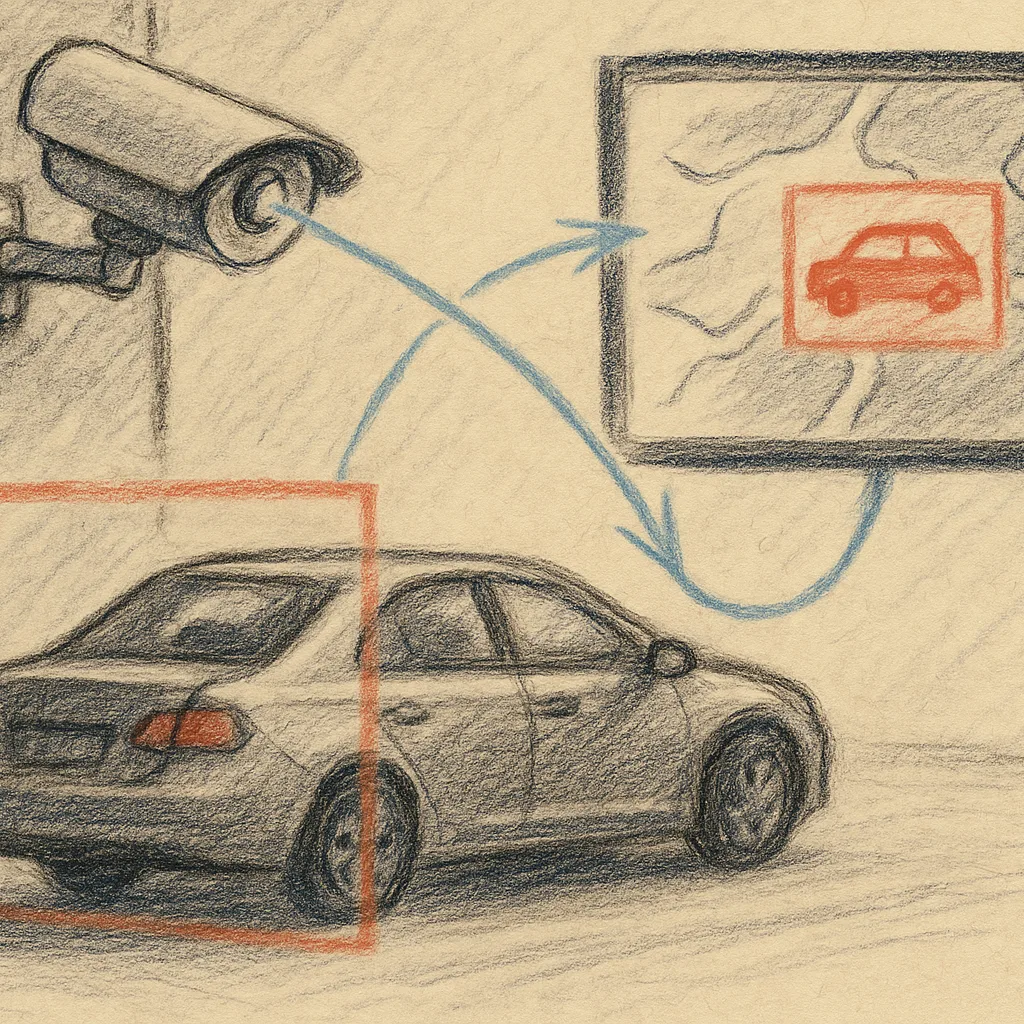
Standard systems often send alerts for every type of movement—shadows, lights, insects, or passing vehicles. This leads to excessive false alarms and increases the risk of missing truly important events. Modern AI-powered features enable recognition of people, faces, and vehicles, significantly reducing false alerts and improving response time during real incidents.
5. Local storage without monthly fees
Many cloud-based solutions require monthly subscriptions for storing recordings, which increases long-term costs and raises concerns about data control. Professional office systems often prefer local NVR storage, where recordings remain within your own network without reliance on external providers or additional subscription fees. Solutions like UniFi Protect offer exactly this model—local storage, encrypted communication, and centralized management.
How Many Cameras Are Needed for a Standard Office?
The number of cameras depends on the layout of the space, entry points, and high-risk areas. In most cases, proper positioning is more important than the total number of devices.
Here is an indicative configuration for an office environment:
- Entrance and reception — 2 cameras
- Open-space office up to 100 m² — 2 to 3 cameras
- Corridors — 1 camera every 15 meters
- Server or IT room — 1 to 2 cameras
- Parking or outdoor area — depending on coverage needs and lighting conditions
For an office between 100 and 200 m², typically 6 to 10 cameras are sufficient when coverage is properly planned. To avoid blind spots and unnecessary costs, we offer a free on-site inspection and consultation. We analyze the environment, identify critical points, and recommend the optimal configuration based on your business needs. You can request a free office video surveillance assessment.
How to Choose the Right Type of Video Surveillance for an Office Environment
One of the most common questions when planning office surveillance is whether to choose a wireless or a wired system. The truth is that there is no universal solution—the right choice depends on the space itself, the way it is used, and the future development plans of the office.
Wireless cameras are a suitable option for rented offices, shared workspaces, or locations where installing new infrastructure would be difficult or too expensive. They allow more flexible positioning and faster installation, especially in dynamic working environments.
On the other hand, Power over Ethernet (PoE) systems remain the preferred solution for areas with constant traffic and high security importance—such as reception areas, entrances, storage rooms, or parking zones. Wired connections provide higher stability, consistent data transfer speeds, and minimal risk of interruption.
In practice, the most effective approach is often a combination of both technologies. This ensures optimal coverage, reliability, and flexibility without unnecessarily increasing project costs.
Why We Recommend UniFi Protect When Choosing IP Cameras for an Office
When building a video surveillance system for an office, it is essential that the cameras integrate seamlessly with the existing network infrastructure. UniFi Protect connects directly to the existing IT environment, enabling the creation of a complete security system that can include both video surveillance and access control.
The solution supports centralized management from a single dashboard, including mobile access, end-to-end encryption for enhanced security, and local storage of recordings without monthly fees. It also offers AI Smart Detect for intelligent motion and people recognition, as well as 4K recording with a discreet, professional design suitable for office environments.
How Does the Installation of a Video Surveillance System Work?
The process begins with an on-site inspection and environmental analysis in order to identify key areas and optimal camera positions. A configuration is then designed based on the office size, specific requirements, and existing infrastructure.
Installation is carried out with minimal disruption to daily operations, and after the setup the system is configured for remote access, notifications, and intelligent detection features. Finally, testing is performed, along with user training on how to operate the system.
Our technical support and IT services team remains available even after the system has been fully implemented.
Reliable Video Surveillance Starts with Proper Planning
A good security system is not measured only by the number of cameras. What matters most is proper coverage, stable performance, and the ability for the system to adapt to the real needs of the office.
If you are considering building or upgrading a security system, you can explore our video surveillance solutions for offices and commercial buildings or request a free on-site inspection and consultation.