
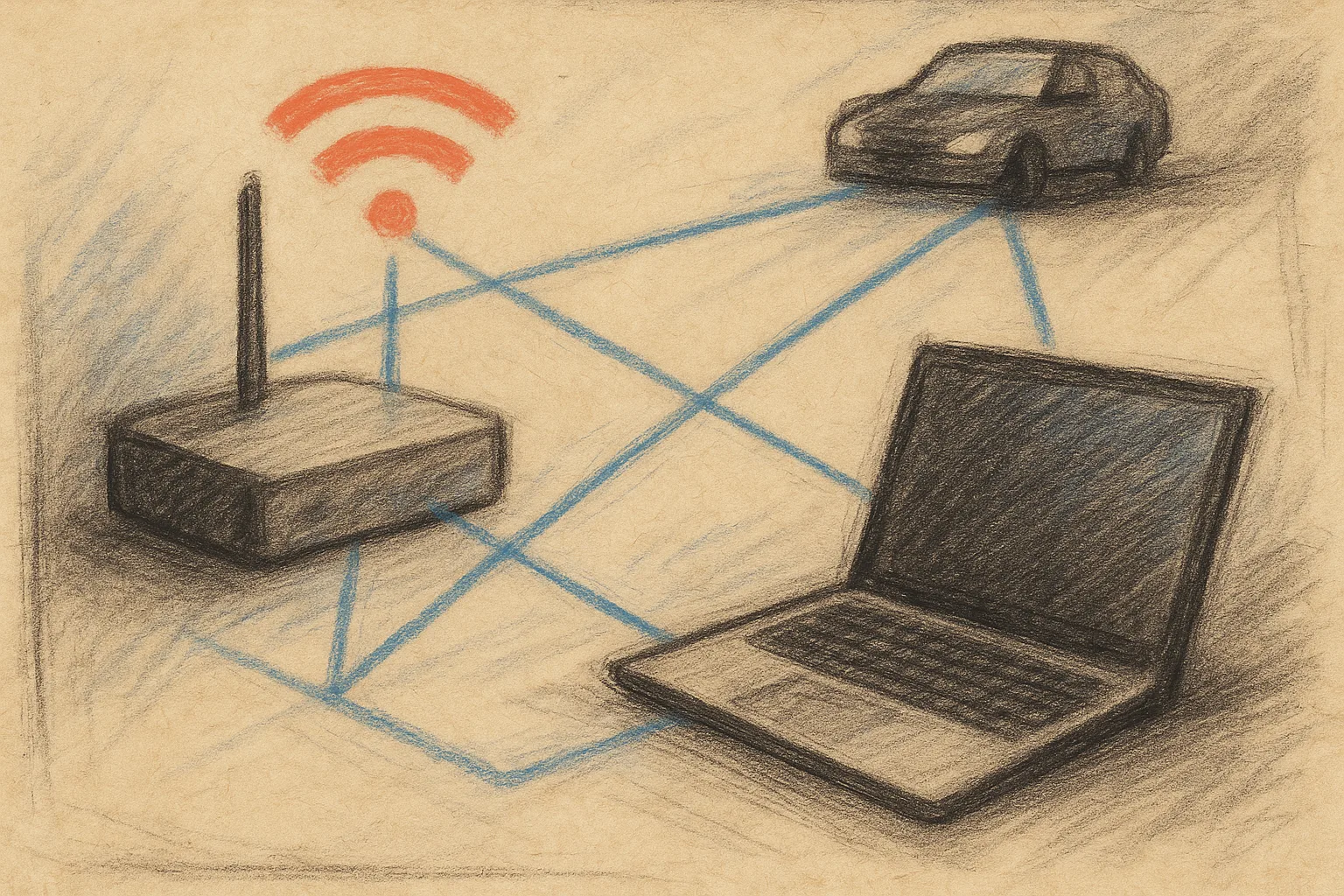
How UniFi and WiFi 7 Boost the Efficiency of Corporate Networks
Unstable internet, intermittent WiFi, and unmanaged devices are not the fault of your internet provider — they are symptoms of a poorly designed network infrastructure. Over 90% of offices seeking help from LabForty’s certified engineers report the same underlying reason: the network was built reactively, without a plan, segmentation, or corporate-grade equipment. Businesses facing these challenges typically require a structured approach to network infrastructure services LabForty that includes proper design, segmentation, and scalable enterprise hardware.
Discover how a properly designed approach with UniFi, WiFi 7, VLAN, and SD-WAN optimizes performance, ensures reliable connectivity, and prepares your network for the growing demands of AI tools. You’ll find specific technologies, real-world pricing benchmarks, and proven methods for building a stable and secure office network.
Three Common Mistakes in Building a Business Network
Before investing in network infrastructure, it’s essential to understand why so many office networks fail to meet reliability and performance standards — and how these risks can be effectively avoided.
Mistake 1: Using Consumer-Grade Equipment in a Corporate Environment
Routers and switches designed for home use or small networks are not built for a large number of simultaneously connected devices. In an office with over 30–50 active devices, including VoIP phones and video conferencing, this type of hardware quickly reaches its limits.
Consequences include:
- Hardware overheating
- Packet loss
- Unstable connections and frequent restarts
This leads to delays, communication interruptions, and negative impacts on workflow.
Mistake 2: All Devices Share the Same Network
When office computers, printers, IP cameras, guests, and servers share the same network, the risk of malware, unauthorized access, and network overload increases significantly.
Mistake 3: Lack of Additional Protection and Redundancy
Relying on a single internet provider and lacking backup connections or UPS presents a serious operational risk. In such a setup, even brief outages can halt operations for hours or days.
Even minor issues, such as:
- Internet outages
- Hardware failure
- Power interruptions
can result in prolonged office downtime.
Solution: Implement additional redundancy and protection mechanisms to ensure business continuity and stable network operation.
Key Stages in Building a Reliable Network Infrastructure
Stage 1 — Network Audit: The Starting Point for Every Business
Before ordering any equipment, conduct a structured network audit. This is the first step in every LabForty network infrastructure project, regardless of office size.
Four key questions the audit should answer:
- How many devices will use the network? Include computers, phones, printers, IP cameras, IoT devices, and future expansions.
- How many physical spaces does the office cover? Floors, rooms, warehouses, conference areas.
- What are the security requirements? GDPR, ISO 27001, handling financial or customer data.
- Is the network ready for AI tools? Microsoft Copilot, Google Workspace AI, and similar tools require stable, low-latency connectivity.
Stage 2 — Choosing Corporate Equipment Without Unnecessary Complexity
For offices with over 200 employees, UniFi solutions by Ubiquiti offer an optimal balance between performance, scalability, and cost. This makes them a preferred choice for companies seeking reliable infrastructure without unnecessary operational complexity.
Key components for modern office environments:
- UniFi Dream Machine Pro Max — Enterprise-Grade Integrated Gateway
This device combines essential network functions into a single solution: router, firewall, IDS/IPS protection, VPN server, and centralized controller.
Key benefits:
- Up to 10 Gbps real throughput — suitable for high-demand office environments
- Centralized management of over 500 UniFi devices
- Full visibility into network traffic and security
- Suitable as a core component for offices of any scale
UniFi PoE++ Switches — Efficient Single-Cable Infrastructure
USW-Pro series switches provide PoE/PoE+/PoE++ power for access points, IP cameras, VoIP phones, and more, eliminating the need for external adapters.
Managed centrally through the UniFi controller, with full visibility of traffic, load, and energy usage.
UniFi vs Cisco Meraki: A Comparison of Enterprise Networking Solutions
Both platforms are considered enterprise-grade standards, but they differ significantly in their pricing models. UniFi does not require recurring licenses—you only invest in the hardware. Cisco Meraki, on the other hand, charges an annual subscription fee of €150–300 per device.
For small and medium-sized businesses (SMBs) in Bulgaria, UniFi offers an excellent price-to-performance ratio. The system ensures reliability and stable operation, while providing simple and centralized network management.
Stage 3 — WiFi Coverage with WiFi 7: Eliminate Dead Zones
Offices most commonly complain about areas with unstable or dropping WiFi signals. The main causes are usually three: improperly positioned access points, physical obstacles such as concrete walls and metal structures, and outdated equipment with limited coverage.
Why is placement more important than quantity?
One properly positioned WiFi access point can provide better coverage than three poorly placed WiFi 5 units. LabForty uses Heat Map planning—a simulation of WiFi coverage before physical installation—which ensures full coverage without dead zones.
WiFi 7 (802.11be) — When Is It Essential for Offices?
WiFi 7 is recommended for offices with high technological requirements:
- Over 30 simultaneously connected devices
- Video conferencing, 4K streaming, and AI tools
- Mixed environments of laptops, phones, and IoT devices
- Long-term infrastructure planning for 5–7 years
WiFi 7 offers theoretical speeds of up to 46 Gbps. It includes MLO (Multi-Link Operation), allowing simultaneous use of the 2.4 GHz, 5 GHz, and 6 GHz bands. Latency is significantly lower compared to WiFi 6/6E.
Stage 4 — VLAN Segmentation and Infrastructure Protection
VLAN (Virtual LAN) divides the physical network into logically isolated segments — no additional cabling needed. This is a fundamental step for network security and performance in an office environment.
Recommended VLAN structure for offices:
- VLAN 10 — Employees: Work computers/laptops with corporate resource access
- VLAN 20 — Guests: Isolated internet-only access
- VLAN 30 — IoT & Printers: Isolated devices with limited communication
- VLAN 40 — Servers & NAS: Maximum protection with firewall rules
- VLAN 50 — IP Cameras: Isolated video surveillance network
Why guests should not share the same network as servers
Guest devices on the same network as corporate servers risk exposed shared resources, discovered vulnerabilities, and potential malware spread within seconds. The solution: a separate guest VLAN with internet-only access.
IPS/IDS and Automatic Threat Blocking
The UniFi Dream Machine Pro Max includes an Intrusion Prevention System (IPS) with 5 Gbps capacity — analyzing traffic in real time and automatically blocking known threats. Combined with firewall rules and geo-blocking, this provides enterprise-level protection without a separate security appliance.
Stage 5 — Redundancy and Business Continuity
Every hour of network downtime has a direct cost — lost transactions, delayed projects, dissatisfied clients. Redundancy is not a luxury; it’s essential for any internet-dependent company.
- Dual WAN and Automatic Failover:
With two independent ISPs (e.g., fiber + 4G/5G backup), UniFi automatically switches traffic if the main connection fails — without interrupting active sessions. Switch-over occurs in under 30 seconds. - SD-WAN Without Licensing Costs:
UniFi natively supports SD-WAN — no extra monthly subscriptions. Manage traffic between multiple offices, prioritize VoIP/video calls, and monitor performance in real time from a centralized dashboard.
Is Your Office Network Ready for AI Tools?
Microsoft Copilot, Google Workspace AI, ChatGPT Enterprise, and similar tools generate significantly more network traffic than traditional office apps. Networks designed 3–5 years ago may not meet these requirements.
Three Technical Requirements for an AI-Ready Office Network:
- Bandwidth: Minimum 1 Gbps symmetrical internet and 2.5–10 Gbps internal server links
- Low latency: Under 20ms to key cloud services, achieved via QoS prioritization and SD-WAN optimization
- IoT & AI Segmentation: Separate VLAN for AI workstations with guaranteed bandwidth and isolation
Real Costs of a Modern Business Network in Bulgaria (2026)
The cost of building and maintaining a modern office network with UniFi and WiFi 7 depends on more than equipment. Companies increasingly seek predictable monthly costs and professional support to ensure stability, security, and rapid problem resolution.
Based on LabForty projects in Sofia and Plovdiv, indicative ranges are:
- Small office (up to 20 employees): UniFi router, 1–2 switches, 2–4 WiFi 7 APs, basic VLAN.
- Medium office (20–80 employees): Full VLAN segmentation, 4–8 WiFi 7 APs, Dual WAN failover, IPS/IDS enabled.
- Large office / multi-location (80+ employees): Multi-gateway redundancy, WiFi 7 with Heat Map planning, centralized SD-WAN.
Values include equipment + labor, excluding ongoing support. LabForty offers support plans starting at €149/month, often more cost-effective than hiring a full-time IT specialist.
Do You Need Professional Network Services?
For very small offices (5–10 devices) with basic internet needs, internal setup is possible with a technically skilled employee. Otherwise, consult a LabForty certified network specialist if you need:
- Offices with 20+ devices or multiple floors
- VLAN segmentation or custom firewall policies
- Handling personal or financial data (GDPR compliance)
- AI tools, IP surveillance, or VoIP deployment
- Multi-location networks — Sofia, Plovdiv, or multi-site
Frequently Asked Questions About Building Business Infrastructure
How much does it cost to build an office network in Bulgaria?
Besides the initial deployment, it’s important to plan for ongoing monthly maintenance to ensure reliable and secure network operation.
Typical support levels include:
- Basic Support – from €149/month per location, suitable for small offices with basic monitoring and response during business hours.
- Professional Support – from €299/month, with proactive monitoring, extended support, and included on-site visits.
- Enterprise Support – custom pricing from €599/month, offering 24/7 service and coverage for critical infrastructure.
The exact price depends on business requirements, the number of locations, and the level of service.
All LabForty projects include a free network audit before preparing a quote, ensuring an accurate assessment and optimal configuration for your office.
How quickly is an office network deployed?
- Small office: 1–2 business days
- Medium office: 3–5 business days
- Large office / multi-location: 1–3 weeks, depending on structured cabling
Is structured cabling necessary?
Yes, for offices with more than 20 devices. Cat6A cabling is the 2026 standard, ensuring 10 Gbps speeds for the next 10–15 years.
What does the LabForty network audit include?
Physical WiFi coverage measurements, equipment analysis, identification of security vulnerabilities, and detailed recommendations with budget estimate. Free and non-binding.
Do you provide network support after deployment?
Yes — LabForty offers plans starting at €149/month, including 24/7 monitoring, firmware updates, and priority technical support.
Network Reliability Determines AI Integration Success
A properly built office network isn’t just an IT expense — it’s a competitive advantage. Companies with modern network infrastructure deploy AI tools faster, work more productively, and enjoy lower long-term support costs.
LabForty has built over 500 office networks in Bulgaria — from small startups to multi-location corporations. Each project starts with a free network audit and concludes with guaranteed coverage, documented configuration, and team training.
Ready to eliminate network problems for good? Request a free network audit from LabForty — our certified engineers will assess your current setup and propose a concrete action plan.