
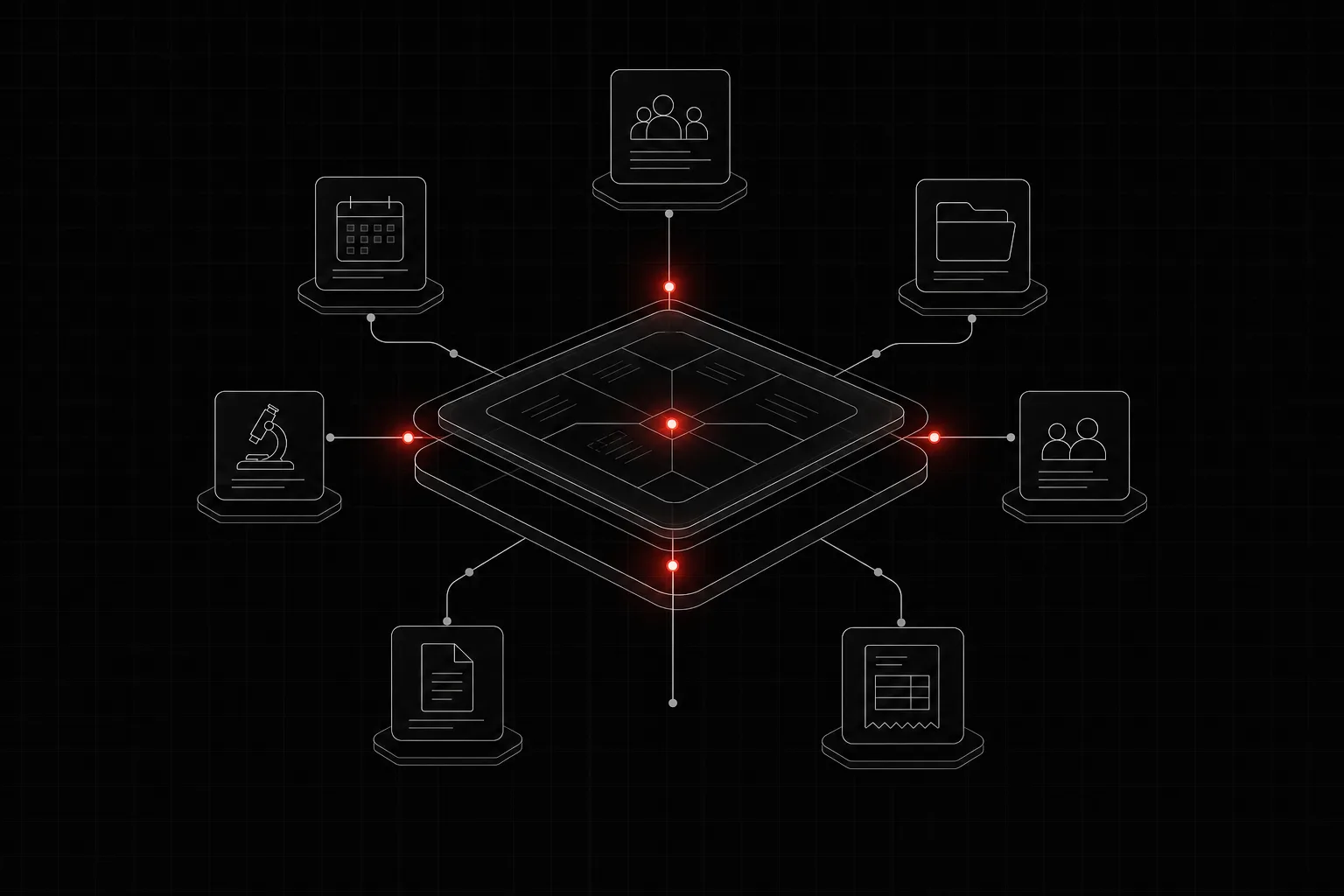
In short: LabForty Core is a configurable company intranet. It brings people, leave, projects, equipment, clients, proposals, invoices and supplier bills into one place, and we set it up around the way your company already works. You choose the modules you need, and where AI helps fill in a form from a document, your team checks the result before anything is saved.
Many companies run their daily administration on a patchwork: leave in a spreadsheet, equipment in someone's memory, proposals in a shared folder and invoices in a separate tool. Each piece works on its own. The trouble is the gaps between them, where a request waits in an email thread and nobody is sure who owns the next step.
LabForty Core is our product for that problem: one intranet, shaped to your processes.
What LabForty Core is
Core is a configurable intranet for companies. It brings people, projects, requests, records, documents and everyday administration into one place. The idea is simple: from a leave request to a client invoice, each process gets a clear place and each next step gets an owner.
It is not a fixed package your team has to adapt to. You choose the modules your company needs, and we configure the intranet around your processes. The Core page shows real intranet screens with fictional demo data, and the interface is in English.
What it covers
The Core page lists fourteen modules in four groups. These are the ones buyers usually ask about first.
People and administration
- Employee records. Employee details, documents, emergency contacts and employment history in one place, with access shaped by each role. Upcoming document expiry dates are tracked.
- Leave and team availability. Employees request full or half days, see their remaining allowance and follow the decision. Requests go through configured approval steps, and approved absences appear in the team calendar.
- Onboarding and offboarding. Joining and leaving become shared checklists, reusable by role and department, with an owner and a deadline for each task across HR, IT and the team.
Projects and equipment
- Projects, tasks and delivery. Plan tasks with dependencies and milestones, record time against assigned tasks and review workload across projects.
- Equipment and IT inventory. Track inventory tags, holders and warranties, approve equipment requests and flag a departing employee's equipment for return.
Clients and finance
- Clients. Contacts, account owners and commercial history in one record, with outstanding balances by currency.
- Proposals. Each proposal stays with its client, value, owner and documents, from draft to sent to accepted or rejected.
- Invoices and receivables. Itemised invoices and linked proformas prepared from client records, with PDF previews, payment reminders, due dates and recorded payments.
- Expenses and supplier bills. Bills and receipts move from submission to approval and recorded payment, with the original document close at hand.
Content and access
- Website content and publishing. With a connected website configured, your team manages articles, case studies, FAQs, language versions and search metadata from inside the intranet, with editorial review.
- Infrastructure and monitoring. An optional module for teams that manage websites and servers: it links servers to the projects that depend on them and, with monitoring configured, shows availability checks and certificate expiry.
- Roles, permissions and activity. One permission matrix decides which parts of the intranet each role can use. You can preview the intranet as another role and review recorded changes and their authors.
Less typing, with a person checking
Core uses AI where reading a document saves typing, always inside a form and always with a check before saving.
- Supplier bills. Drop a supplier bill or receipt into the expense form. AI suggests the supplier, VAT number, invoice dates, currency, net amount, VAT, total and the payment IBAN where present. Your team checks the values beside the document before approval and payment.
- Issued invoice import. Upload an invoice you have already issued, and AI prepares its record, including dates, line items, currency, tax and totals. Totals that do not reconcile are shown for review.
- Proposal from a PDF. The form fills in what it recognises from an existing proposal PDF, such as title, description, amount and currency, suggests dates and type, and matches the client to your existing records.
The pattern is the same every time: drop the document, AI reads the fields, you check and save.
Ready-made intranet or custom system
Core suits a company that wants one place for its everyday administration, configured to its processes, without commissioning a system from scratch. If your process is unusual enough that it needs software built entirely around it, our custom CRM and CMS work is the other route. Both start from the same question: how does your company actually work today?
How to start
Tell us which processes cause the most chasing today: leave, equipment, proposals, invoices or supplier bills. We will show you Core in a demo with fictional data and discuss which modules fit. Contact LabForty to arrange it.
FAQ
Is LabForty Core off-the-shelf software or a custom build?
It is a configurable intranet. You choose the modules your company needs, and we configure it around your processes. If you need a system built entirely around your own process, we also build custom CRM and CMS systems.
Do we have to use all the modules?
No. You choose the modules your company needs. The optional infrastructure and monitoring module, for example, is meant for teams that manage websites and servers.
Does the AI save anything without a person checking it?
No. In the document features, AI suggests values inside the form, and your team checks each result before saving.