
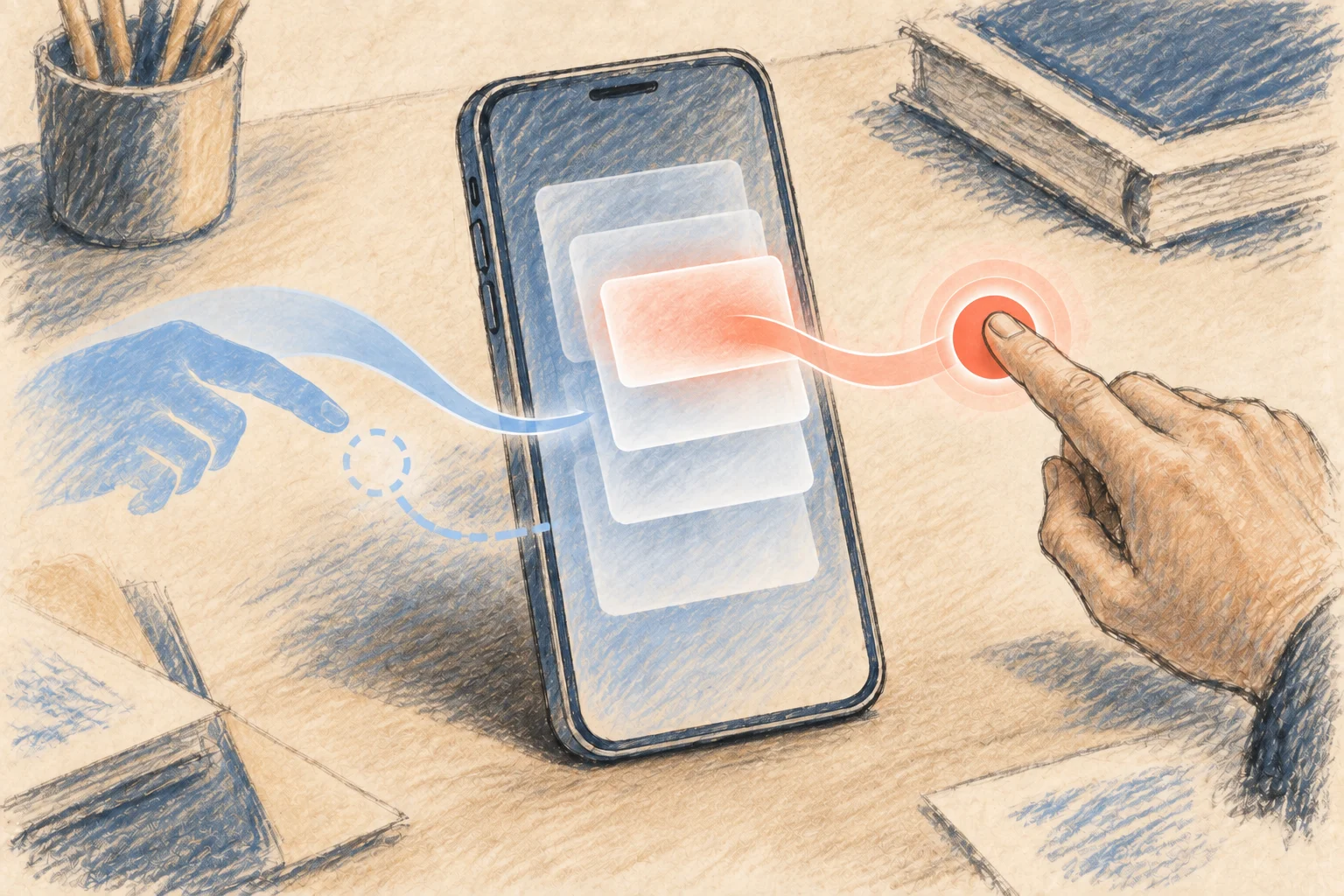
Apple is testing a new way for iPhone and iPad users to open Notification Center in iOS 27 and iPadOS 27. 9to5Mac reports that the revised behavior remained through several developer betas, indicating that Apple plans to include it in the public release.
Notification Center has provided a shared, chronological destination for app alerts since iOS 5 arrived in 2011. Users have had roughly 15 years to internalize how to reach it. iOS 27 and iPadOS 27 change that familiar action, not the existence of the notification list.
The change applies when Siri AI is enabled. The center top-edge swipe then opens Siri AI, while Notification Center moves to a swipe from the top-left corner; the default gesture remains unchanged without Siri AI. The source does not provide performance measurements or usage data, so there is no basis to claim that the new behavior is faster or easier to discover.
Consistency was the previous advantage. A familiar opening action let users reach alerts from different apps without thinking about navigation. Replacing it resets part of the interface knowledge built across multiple generations of Apple hardware.
The beta history provides evidence of Apple’s direction, but not certainty about the final experience. According to 9to5Mac, the behavior shifted slightly between the first two developer releases and remained present several betas later. Designs shown in beta software can still be revised, although persistence across releases indicates more intent than an appearance in one early build. It does not show how users will respond after the public rollout.
The documented novelty is an interface change, not a new notification architecture. The supplied facts identify no changes to alert delivery, chronology, app permissions or Notification Center’s underlying data handling. Describing it as a broader redesign would go beyond the available evidence.
Habitual iPhone and iPad users are most likely to notice the change, particularly those who check alerts without consciously considering each gesture. Muscle memory works like a keyboard shortcut: once learned, it saves attention, but changing the command can make a routine task feel broken until the replacement becomes automatic.
Developers and support teams may also need to revise onboarding screens, help articles and support scripts that explain how to find notifications. The concrete next step is to test those instructions against the public releases of iOS 27 and iPadOS 27 instead of relying on earlier conventions or the first beta.